
The guest orders with one tap.
The waiter comes when needed.
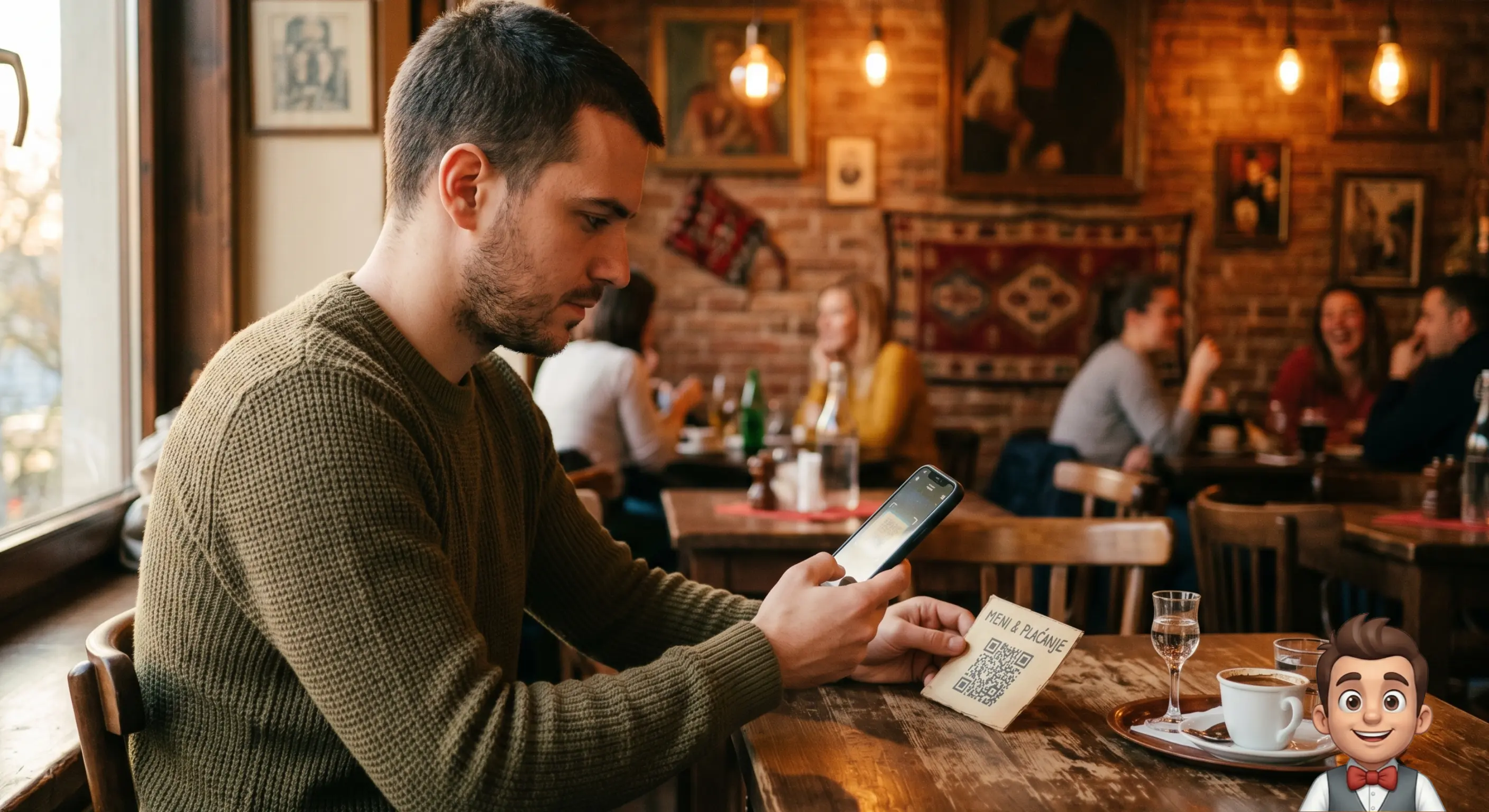
The guest scans the QR code on the table, orders or calls the waiter with one tap. The order reaches the waiter and your phone. The waiter goes to the table to bring and to help, not to run back and forth remembering orders.
Works alongside your existing till. No training needed.
Free trial of about a month, longer by agreementFull packageNo credit card
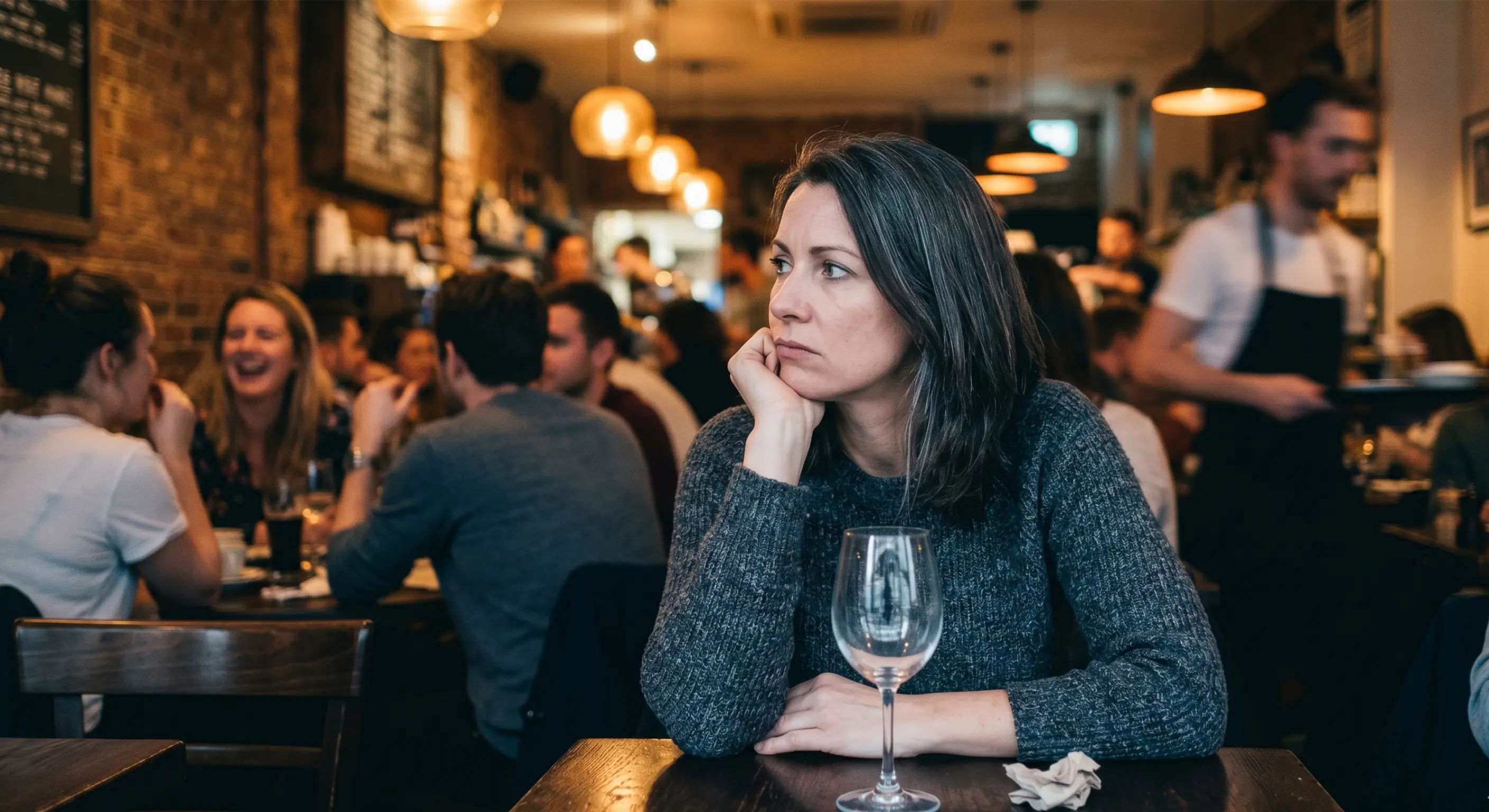
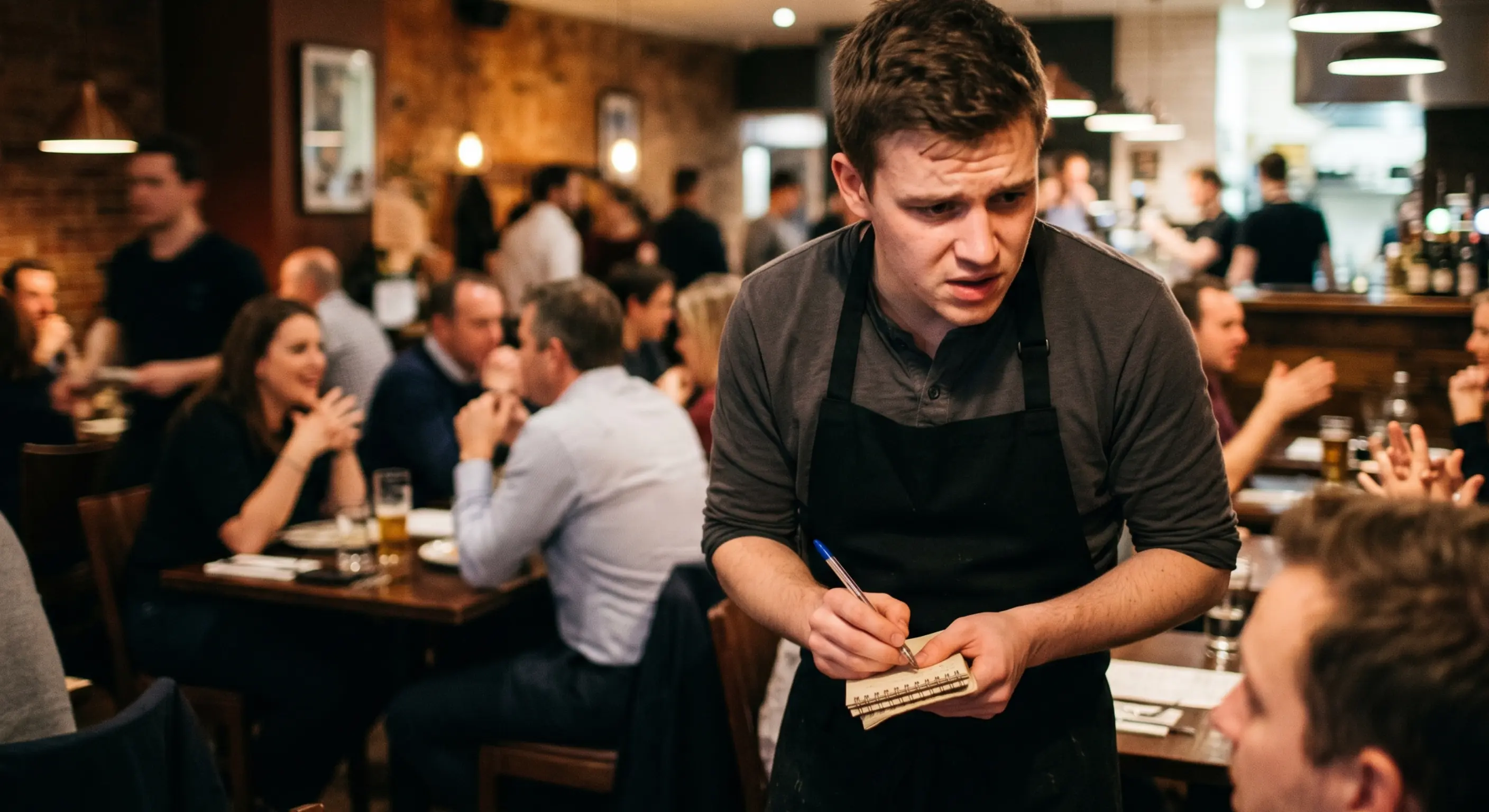
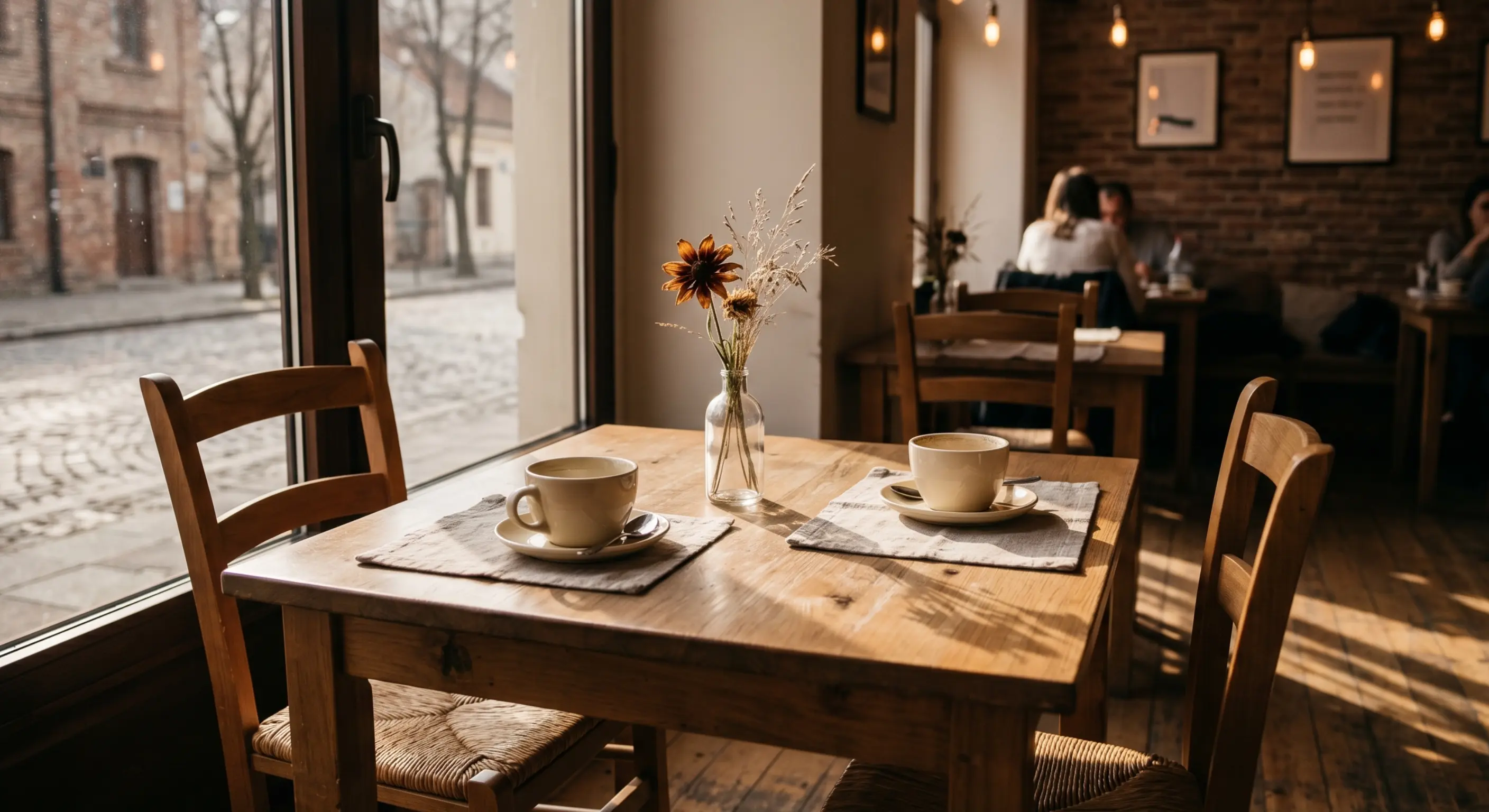
Look familiar?
Every restaurant has these moments.
From scan
to the waiter, instantly.
The guest scans the QR code and orders from their phone. The order reaches the waiter and the owner instantly. The guest follows the status: pending, preparing, served. They call the waiter with one tap and say why straight away.
Table QR
Scan → digital menu in seconds
Realtime status
Guests follow progress live
Call a waiter
Bill, help or another order
Smart cart
Upsells, suggestions, order memory
What Mali Konobar does, and what it does not
It does
It does not
You can see all of this, allergens and the bar screen included, in the demo.
For the owner
Every order reaches you too: on a phone, tablet or computer, as you decide.
You see your venue even when you are away. When you need peace, switch notifications off.
Analytics: best-selling items, categories, revenue by hour and comparison with the previous period.
View and print weekly or monthly reports whenever you want.
Staff see only orders and calls, with no analytics, prices or settings.
In the venue. Delivery. Pickup.
One system, one quality of experience. Every order on one screen — without chaos or app juggling.
QR menu · digital menu
At the table
The guest scans the table QR, opens the menu and orders. The order reaches the waiter and the owner instantly. The waiter comes over to bring the order or when the guest calls.
Online order
Delivery
The guest orders from an address and adds contact and delivery details. You see it beside table orders on the same screen.
Pickup order
Pickup
The guest orders ahead and arrives when it is ready. No queue. No mistaken order.
0%
Commission
Fixed monthly fee
100%
Your brand
Logo, colours, name, icon
5
Languages
SR · EN · HU · RU · DE
3
Ordering channels
In the venue · Delivery · Pickup
Guests do not install
someone else's app.
They install yours. Your logo, your colours, your name on every guest's screen. Branding is not a premium add-on — it is where we start.
- Your logo and colours on every guest screen
- PWA icon with your logo — installed directly from the QR code
- Guests see your name — not 'Mali Konobar'
- Every venue gets its own identity, colours and look
This is not a POS or fiscal cash register. The app supports your waiters and gives you a direct channel to guests — alongside your existing payment system.
Scanning a PDF menu with a QR code — anyone can do that today.
A plain QR cannot keep a direct relationship with the guest.
No delivery middlemen. No commission. Your guests stay yours. A plain QR menu or digital menu PDF — anyone can buy that cheaply today. The guest only looks at prices. With our digital menu, after the scan they order, call the waiter, and you see the order. Delivery middlemen take 25–30% and treat the guest as theirs: stop paying — the guest disappears too.
Delivery middlemen
Mali Konobar
Quick calculation
100 monthly orders × 8€ average = 800€ revenue.
A delivery middleman takes 25% = 200€ commission.
In the same scenario, Mali Konobar costs many times less.
When a guest installs
your app —
you gain a direct marketing channel.
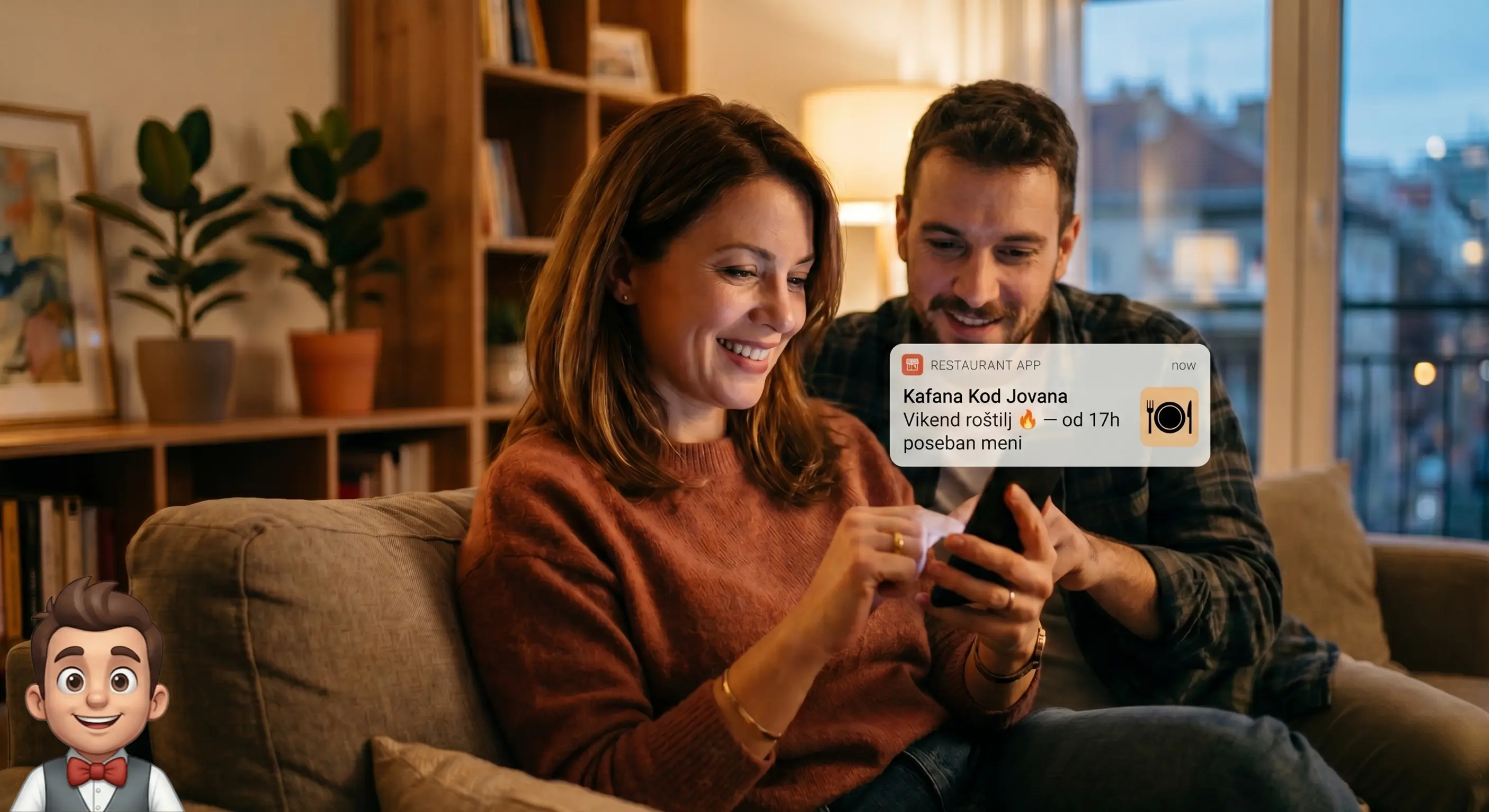
Because they install your app rather than someone else's, guests accept updates from a restaurant they know and enjoy. Weekend grill. A new offer. A reservation. One button.
- Straight to the lock screen of guests who installed your app
- No paid ads. No cost per message.
- Filter by guest language
- Message templates for fast campaigns
Everything your venue needs.
One system. No compromises.
Reservations
Guests book online with their name, phone number, time and party size. You accept — and an instant push confirmation reaches them.
Sales analytics
Top items, revenue by hour, average order value and trends against the previous period. Make decisions from real data.
Staff devices
Each staff device has a limited-access account. It shows only orders and table calls — no analytics, prices or settings. The owner controls who sees what.
5 languages
Serbian, English, Hungarian, Russian and German. Guests choose on their first visit. Ideal for tourist areas and city venues.
PWA without the App Store
Guests add your app to their home screen directly from the QR code. No store download. Works on iOS and Android.
Upsells and recommendations
The system suggests drinks with dishes and highlights recommended items, helping lift average order value.
Eleven years running a café.
Only now can he see what happens on Friday nights.
Marko did not change his café. He changed what he could see inside it.
Week 1
System set up in a couple of days, depending on the menu.
Guests asked what the QR code was. A waiter showed them. The second time, they already knew.
Week 2
The waiter stopped carrying a pad and pen.
Orders arrive directly on the phone. Nothing forgotten. Nothing misheard.
Week 3
Example: 34 orders on a Friday night.
A table that had been losing guests for months served three rounds that week.
Week 4
Dragica got the message. She came in.
Straight to her phone. No ad spend. No intermediary.
Week 1
System set up in a couple of days, depending on the menu.
Guests asked what the QR code was. A waiter showed them. The second time, they already knew.
Week 2
The waiter stopped carrying a pad and pen.
Orders arrive directly on the phone. Nothing forgotten. Nothing misheard.
Week 3
Example: 34 orders on a Friday night.
A table that had been losing guests for months served three rounds that week.
Week 4
Dragica got the message. She came in.
Straight to her phone. No ad spend. No intermediary.
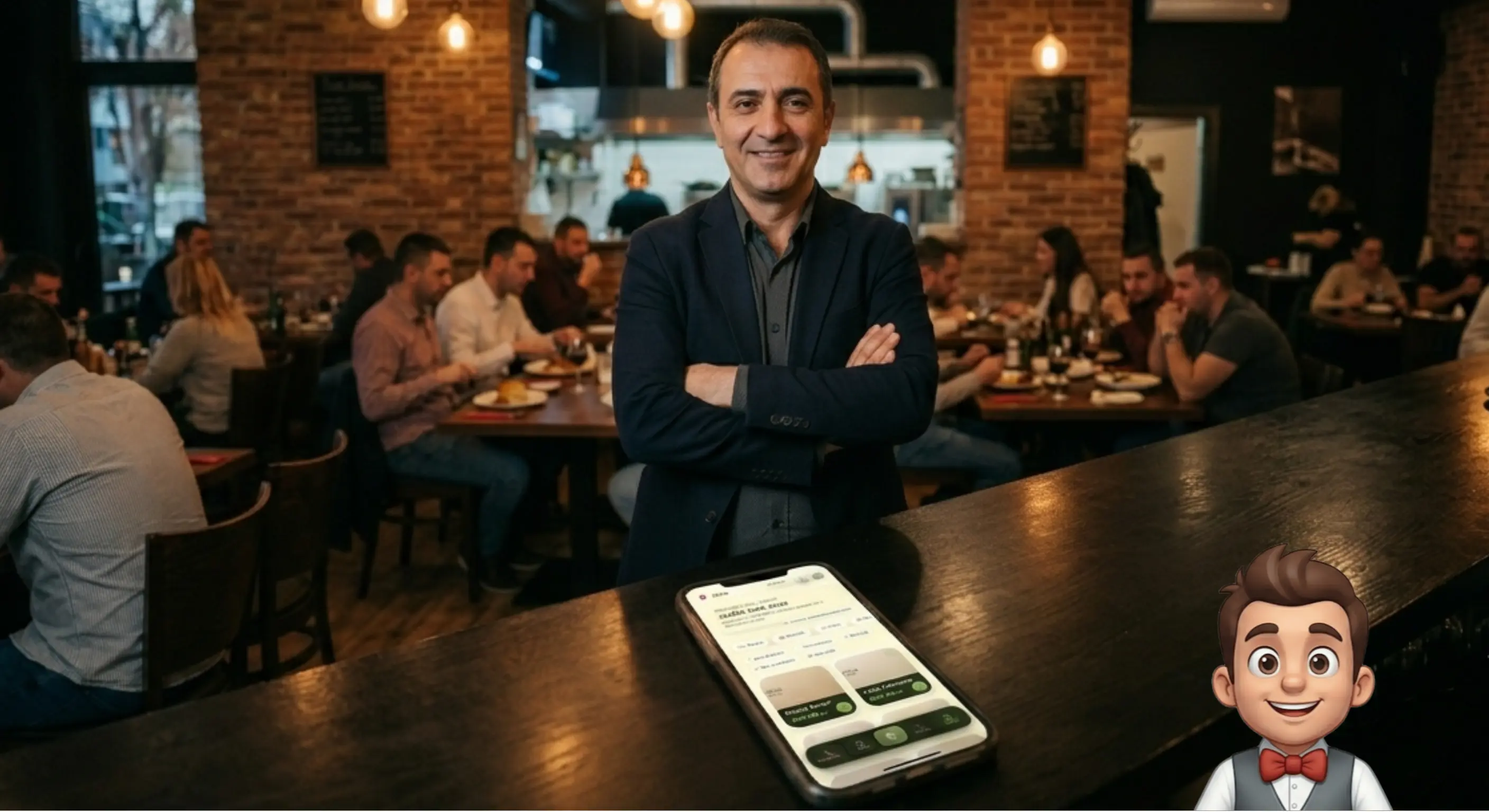
Who is behind Mali Konobar
Mali Konobar is built and maintained by one person, Jovica, an independent developer. There is no company behind the app. When you call, I answer.
Contact
062 951 6781malikonobarapp@gmail.com
Terms, no fine print
- Cancelling: one phone call is enough. You call me, I switch off the service and delete all your venue's data.
- Data: while you use it, your venue's data is stored in Mali Konobar. When you cancel, I delete all your venue's data.
- The menu opens with an internet connection. If the connection drops while the guest is already browsing, the dishes stay on screen and the cart stays on the phone. Orders and calls are not sent at that moment. When the connection is back, the guest simply taps send again.
- Support: by phone, best between 10:00 and 15:00.
- Turnkey setup: I enter your whole venue (menu, staff), prepare and print the QR codes. Free for the first 5 clients, €50 after that.
Frequently asked questions.
What you need to know before deciding.
Is Mali Konobar just a QR menu or digital menu PDF?
No. A QR menu or digital menu is the entrance — guests scan and see the dishes. Mali Konobar goes further: table ordering, waiter call, live order status, your brand and guest relationship. Not a PDF on a phone.
How is it different from a plain digital menu?
A plain digital menu shows prices. With us, guests order, track preparation and call staff — and you keep the data and marketing channel. Fixed subscription, no delivery-platform commission.
Does Mali Konobar replace the fiscal cash register?
No. Mali Konobar is neither a fiscal system nor a POS. It supports communication between guests and staff; your existing register continues to issue fiscal receipts as before.
Do I need to change how we work?
No. Introduce it gradually: table ordering, delivery or simply an additional channel. It does not change payment or staff workflows. The waiter still takes payment as usual.
Is the app connected to the register and payments?
No. The app does not process payments and is not fiscalized. Guests order in the app, staff receive the order and bring the bill as usual. It speeds up ordering and reduces errors without changing payment.
How is this different from delivery platforms?
Fundamentally. Delivery platforms take 20–30% from every order and own the guest relationship. Mali Konobar charges a fixed monthly fee; guests order directly from you, under your name, and that relationship remains yours.
Do I need technical knowledge to set it up?
No. Send your menu and I will do the rest. I enter your whole venue into the app (menu, staff), prepare and print the QR codes and everything else you need. Setup takes from 2 days, depending on the size of the menu and the number of staff. No training needed. I set up the first 5 clients for free; after that, setup costs €50.
How does staff access work?
Each staff device has a limited account showing only orders and table calls — no analytics, prices or settings. Staff cannot see the owner's personal data. The device stays signed in, ready for the shift.
How do I cancel?
Cancelling: one phone call is enough. You call me, I switch off the service and delete all your venue's data.
What happens to my data?
While you use it, your venue's data is stored in Mali Konobar. When you cancel, I delete all your venue's data.
What if the internet goes down?
The menu opens with an internet connection. If the connection drops while the guest is already browsing, the dishes stay on screen and the cart stays on the phone. Orders and calls are not sent at that moment. When the connection is back, the guest simply taps send again.
Ready to start?
Launch your app today.
Send your menu and I will do the rest. Setup takes from 2 days. No contract. No hidden fees.
Create a free accountOr write — malikonobarapp@gmail.com
Free trial of about a month, longer by agreement. No credit card.
Available throughout Serbia — Belgrade, Novi Sad, Niš, Subotica, Kragujevac and smaller towns.